Key Evidence Points for Editorial Verification
Virtual reality creates the feeling of presence by combining stereoscopic visuals, head tracking, responsive rendering and interactive input.
A VR headset must update the image quickly as the user moves, because visual delay can break immersion and cause discomfort.
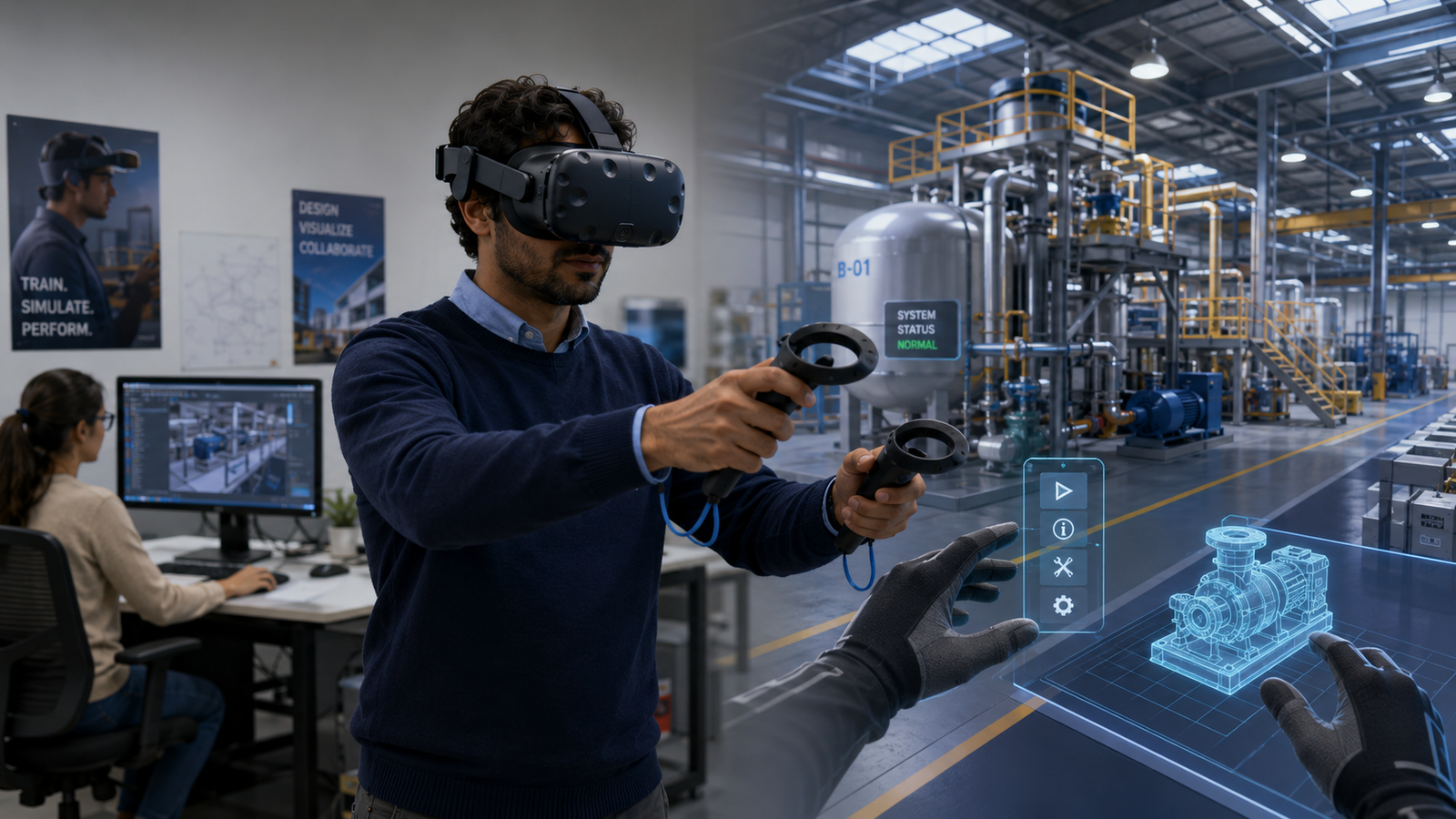
VR is not only a gaming technology; it is used in training, design, healthcare simulation, education, architecture and remote collaboration.
Opening Angle
Virtual reality often looks like a futuristic escape: a headset goes on, the physical room disappears, and a person suddenly feels surrounded by a digital world. But VR is not magic and it is not only entertainment. It is a carefully engineered illusion built around the way human eyes, ears, balance and attention interpret reality. The technology succeeds when the brain stops treating the screen as a screen and starts treating the experience as a place.
The Simple Meaning
Virtual reality is a computer-generated environment that makes a user feel physically present inside it. Instead of looking at a flat image from the outside, the user sees a digital world from a first-person viewpoint. When the user turns their head, the view changes. When they move a controller, a hand or tool may move inside the digital space. The goal is not simply to display information but to create immersion.
How the Headset Creates Depth
A major part of VR is stereoscopic vision. Human beings perceive depth partly because the left eye and right eye see the world from slightly different angles. A VR headset uses this principle by showing each eye a slightly different image. Lenses inside the headset shape those images so they appear wider, deeper and more surrounding than a normal phone or computer screen. The brain combines the two views and interprets them as a three-dimensional scene.
Tracking: The Technology That Makes VR Feel Alive
The display alone is not enough. If the digital scene stayed fixed while the user moved their head, the illusion would collapse. VR systems use sensors to track head movement, rotation and sometimes the user’s position in physical space. Many systems also track controllers, hands or external markers. The software uses this tracking data to update the view immediately. When the user looks up, the virtual sky appears. When the user turns left, the digital room turns with them.
Why Speed Matters
VR depends heavily on low latency, which means a very small delay between physical movement and visual response. Even a short delay can make the experience feel wrong because the inner ear senses movement while the eyes see a slower world. This mismatch can cause discomfort, dizziness or nausea. That is why VR hardware and software try to render frames quickly, predict motion and maintain smooth visual performance.
The Role of Controllers and Interaction
A virtual world becomes more convincing when the user can affect it. Controllers, hand tracking, eye tracking and voice input allow the user to point, grab, draw, move, select or navigate. These inputs turn VR from a 360-degree video into an interactive environment. The difference is important. Watching a virtual classroom is one experience; picking up virtual equipment, walking around a model and making decisions inside it is another.
Beyond Gaming
Gaming made VR familiar to many people, but the technology has wider uses. A surgeon can practise a procedure in simulation. A pilot can train in a controlled virtual cockpit. Architects can let clients walk through a building before it is built. Factories can train workers in risky processes without exposing them to real danger. Students can visit a model of the solar system, an ancient city or the inside of a cell. VR is valuable when experience matters more than description.
Common Limitations
VR still has limitations. Headsets can be expensive, heavy or uncomfortable for long use. Some users experience motion sickness. Visual quality may not match real vision. Social isolation is also a design challenge because the user is partly cut off from the physical environment. There are also privacy concerns when devices track movement, gaze, hands and surroundings. The better VR becomes, the more carefully it must handle user safety and data.
Final Takeaway
Virtual reality works by aligning technology with human perception. Displays, lenses, sensors, graphics engines and controllers cooperate to convince the brain that a digital environment is spatially real. VR matters because it turns information into experience. It can entertain, train, simulate, teach and design by placing people inside situations rather than merely showing those situations on a screen.